Menu

Vole Magic Note

Smart Notepad: One-Stop Professional Document Management Solution

智能记事本:一站式专业文档管理解决方案

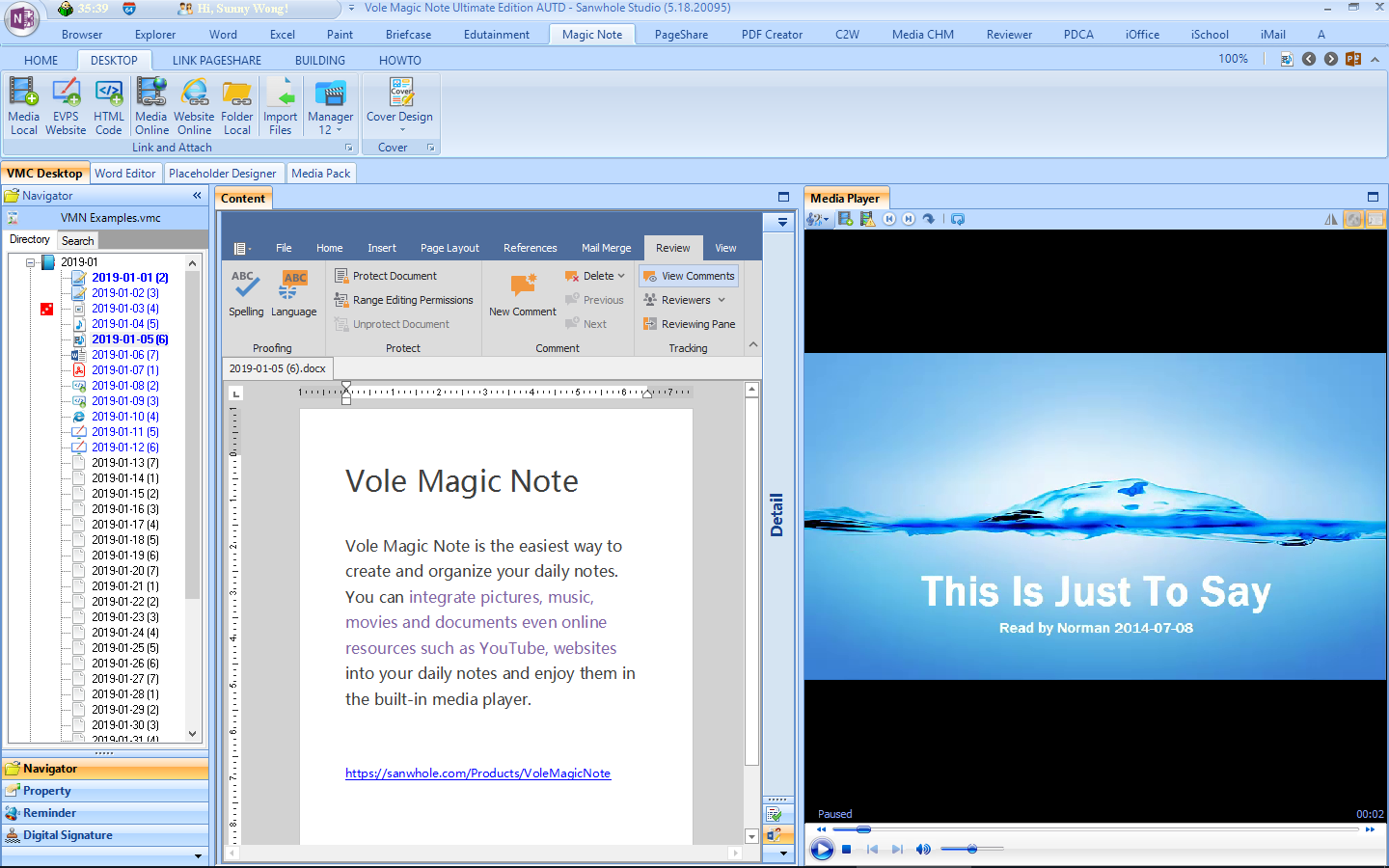
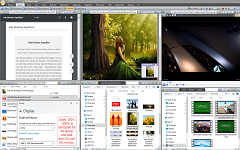
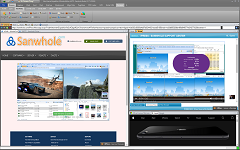
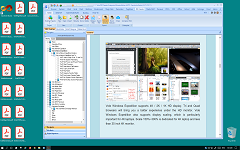
Vole Magic Note notepad software uses innovative architecture to achieve efficient document management: it uses VMC single-file packaging technology to simplify the export, import and backup operations of the notepad; each note is a full-featured Word document, combining professional editing with minimalist operation; the daily note pages preset throughout the year are like smart diaries, and automatic archiving eliminates the trouble of naming and classification; it supports embedding full-format attachments such as pictures/audio and video/Office/PDF and website/Bilibili/YouTube links, and the built-in previewer enables cross-platform content to be viewed instantly; the original three-color background (started/in progress/completed) and multi-state flag system provide real-time feedback on task progress status through visual tags, creating a complete work closed loop from recording to management.

Vole Magic Note记事本软件以创新架构实现高效文档管理:采用VMC单文件封装技术,使记事本的导出、导入与备份操作化繁为简;每篇记事均为全功能Word文档,兼具专业编辑与极简操作;全年预置的每日记事页如同智能日记本,自动归档免除命名分类困扰;支持嵌入图片/音视频/Office/PDF等全格式附件及网站/B/YouTube链接,内置预览器实现跨平台内容即点即看;独创三色背景(开始/进行中/完成)与多态旗标系统,通过视觉化标签实时反馈任务进展状态,打造从记录到管理的完整工作闭环。


Word Notebook Word记事本

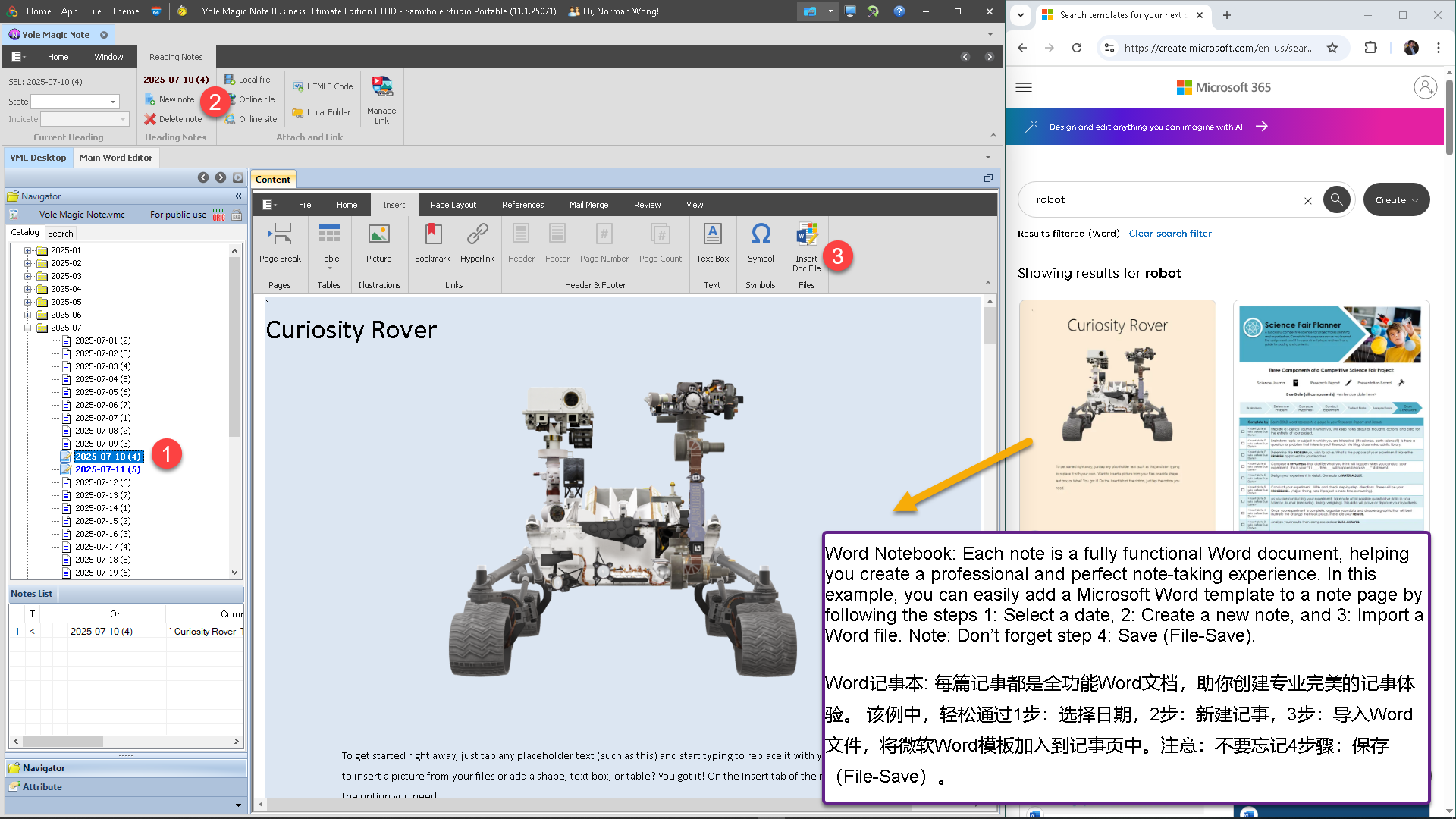
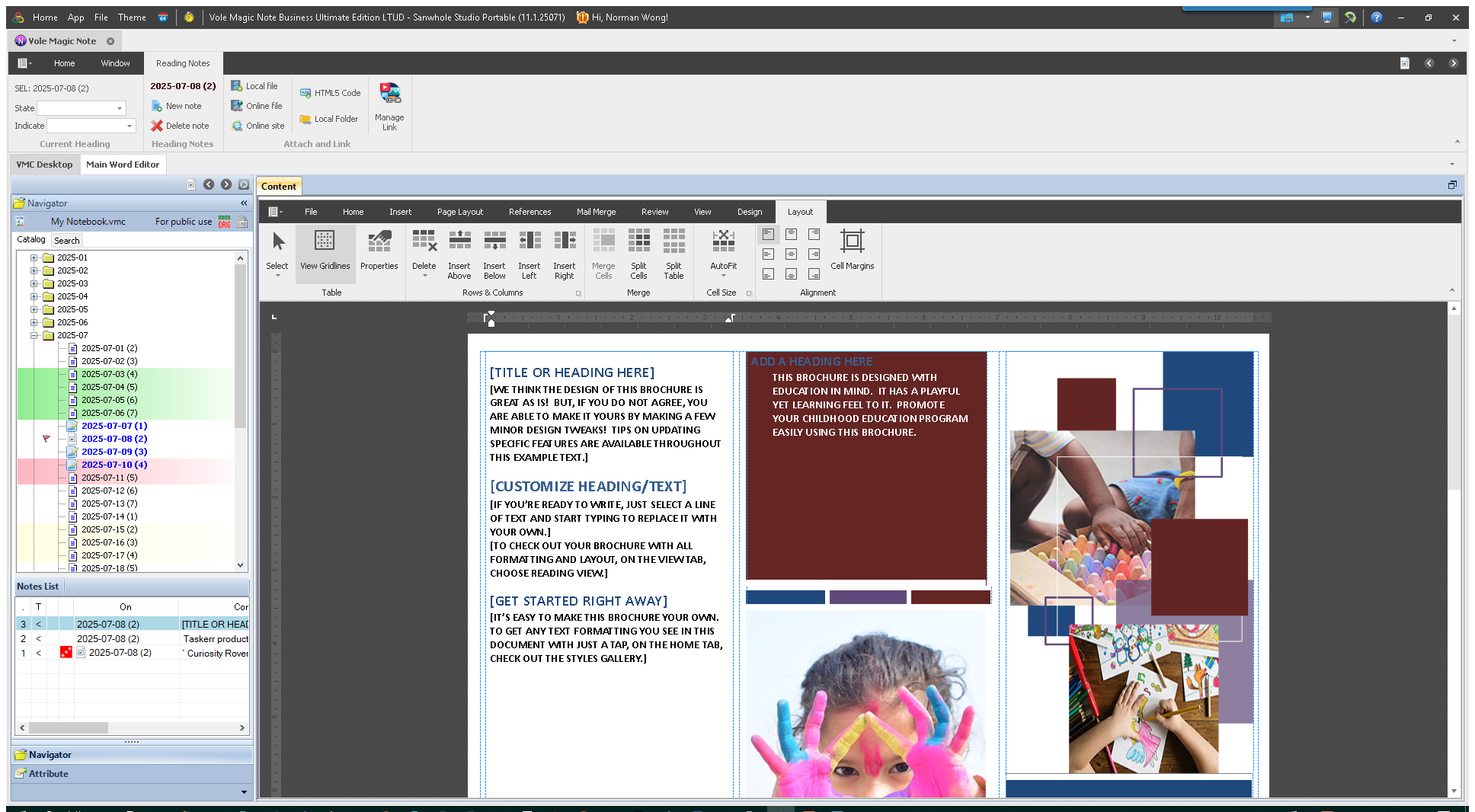
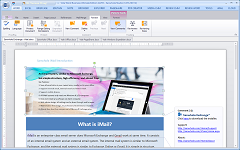
Each note is a fully functional Word document, helping you create a professional and perfect note-taking experience.

每篇记事都是全功能Word文档,助你创建专业完美的记事体验。


Preset Note Pages预设记事页

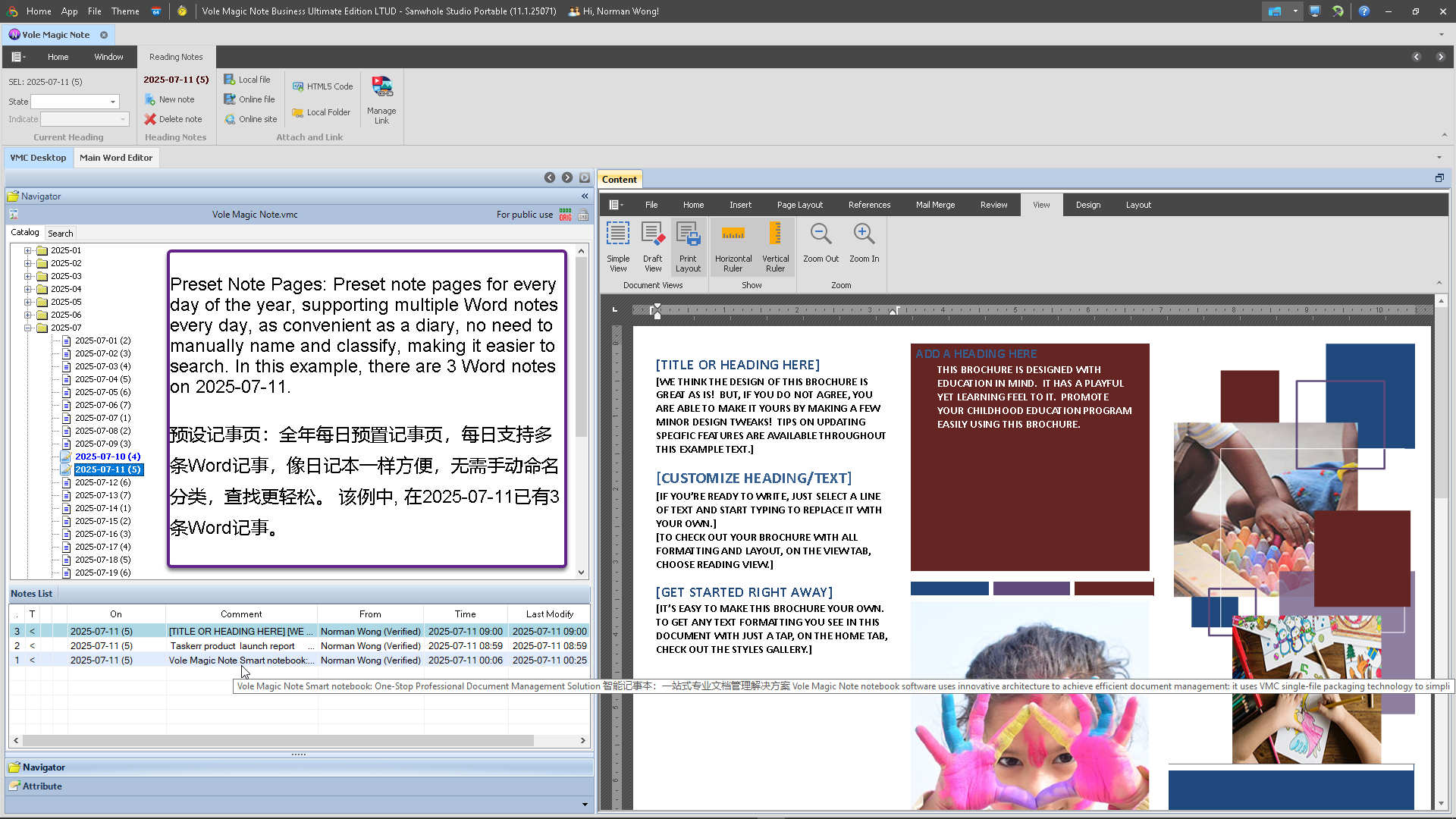
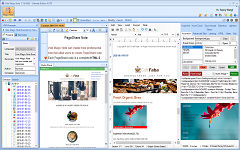
Preset note pages for every day of the year, supporting multiple Word notes every day, as convenient as a diary, no need to manually name and classify, making it easier to search.

全年每日预置记事页,每日支持多条Word记事,像日记本一样方便,无需手动命名分类,查找更轻松。


Support For All Formats of Attachments 全格式附件支持

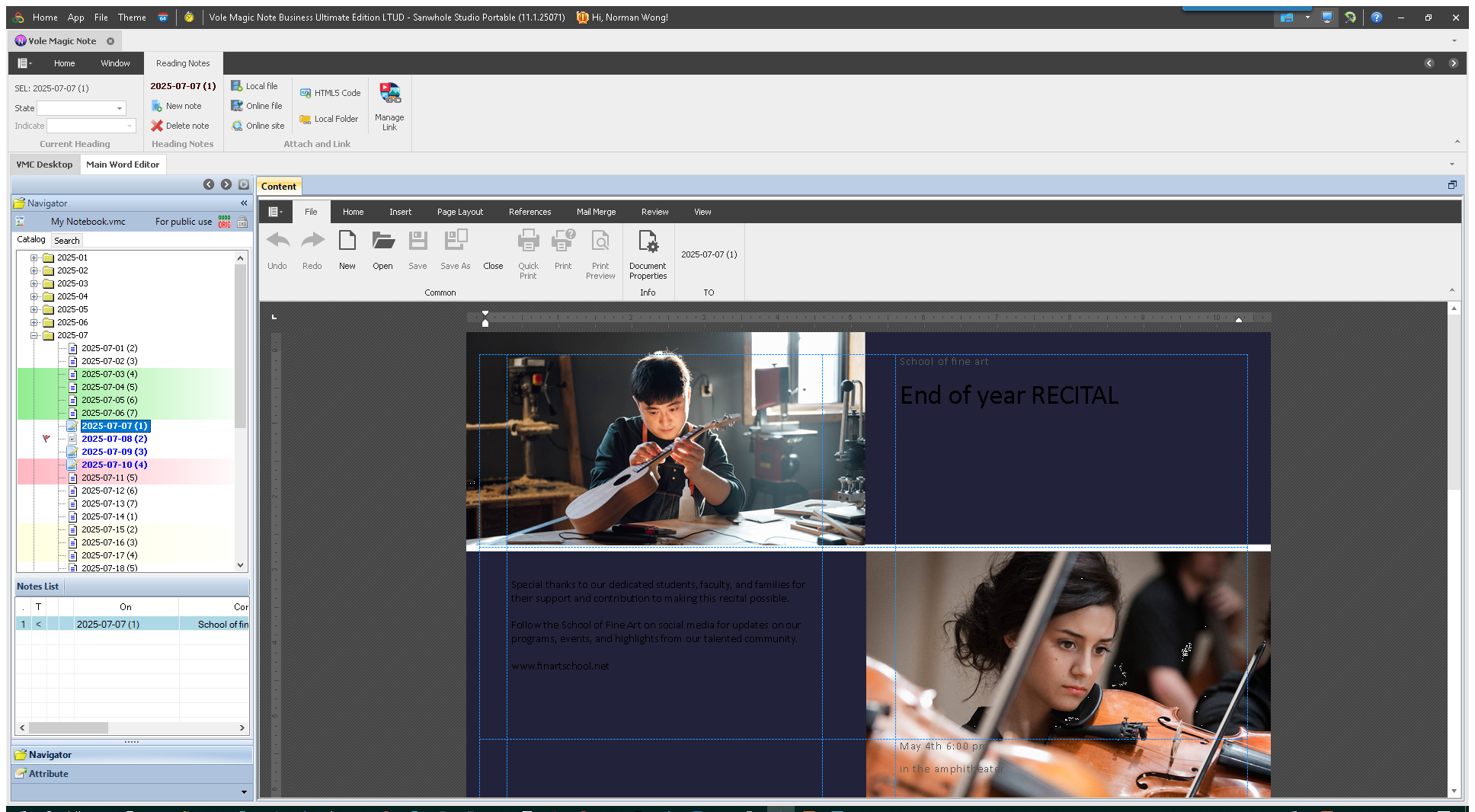
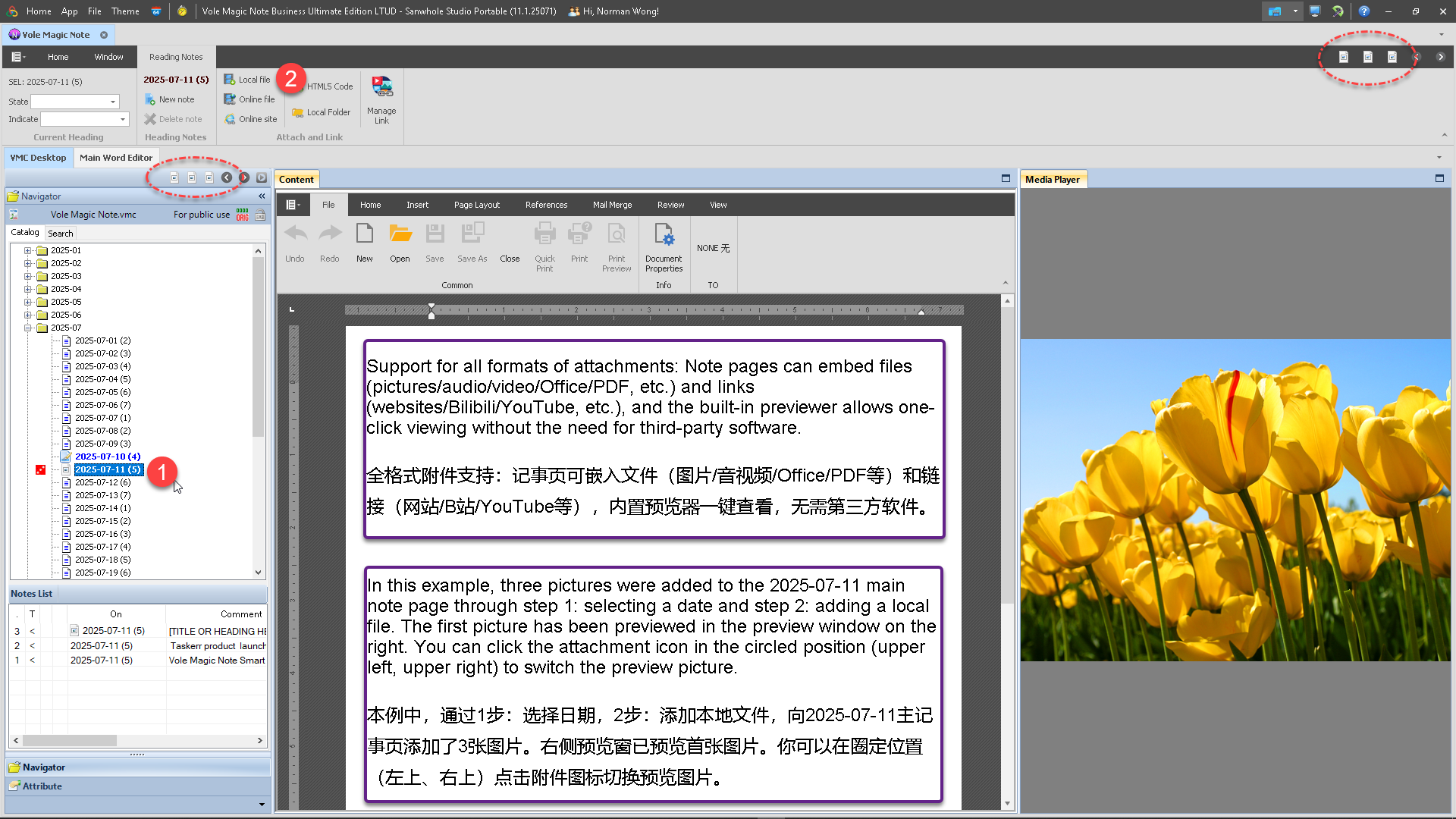
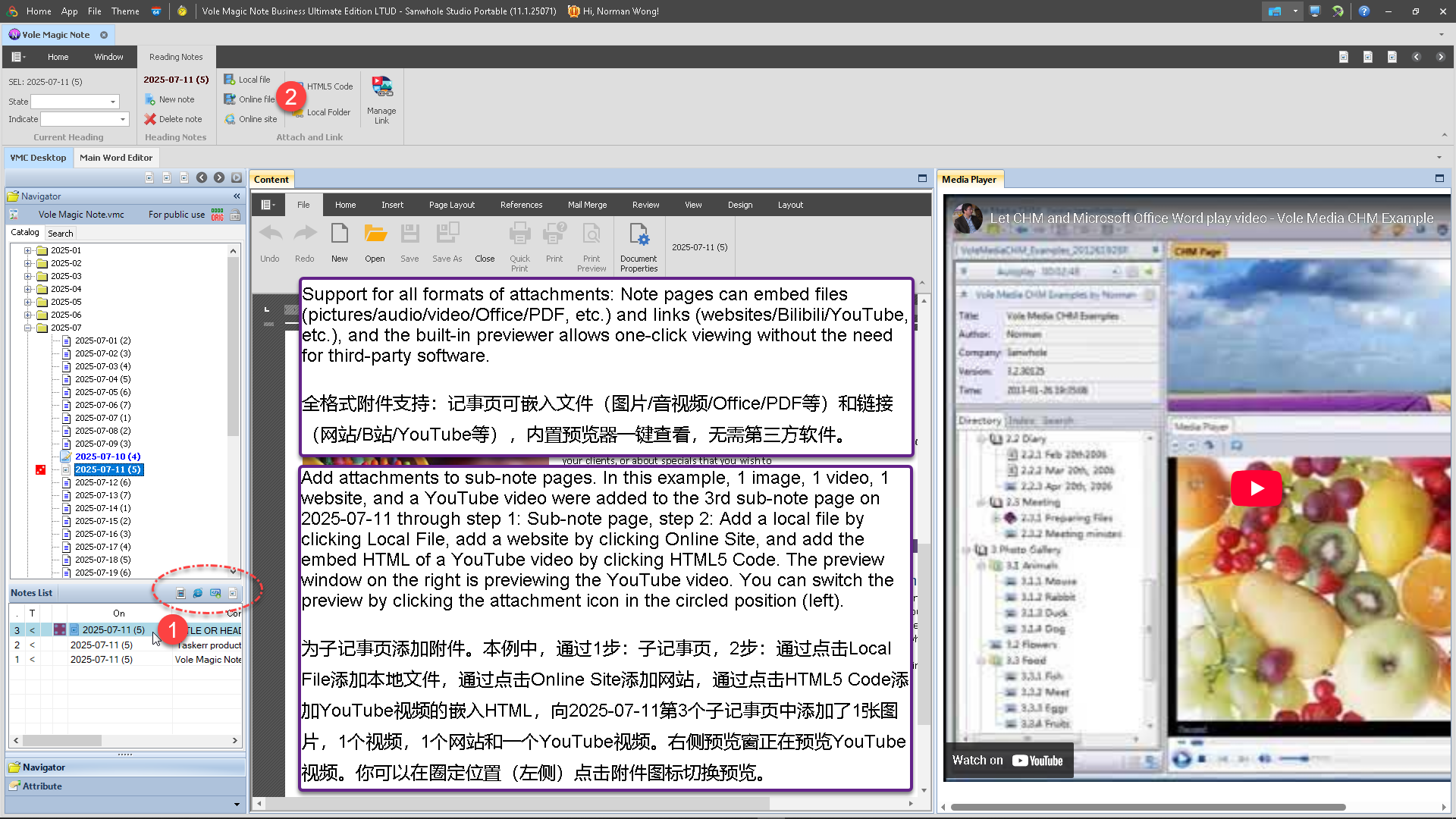
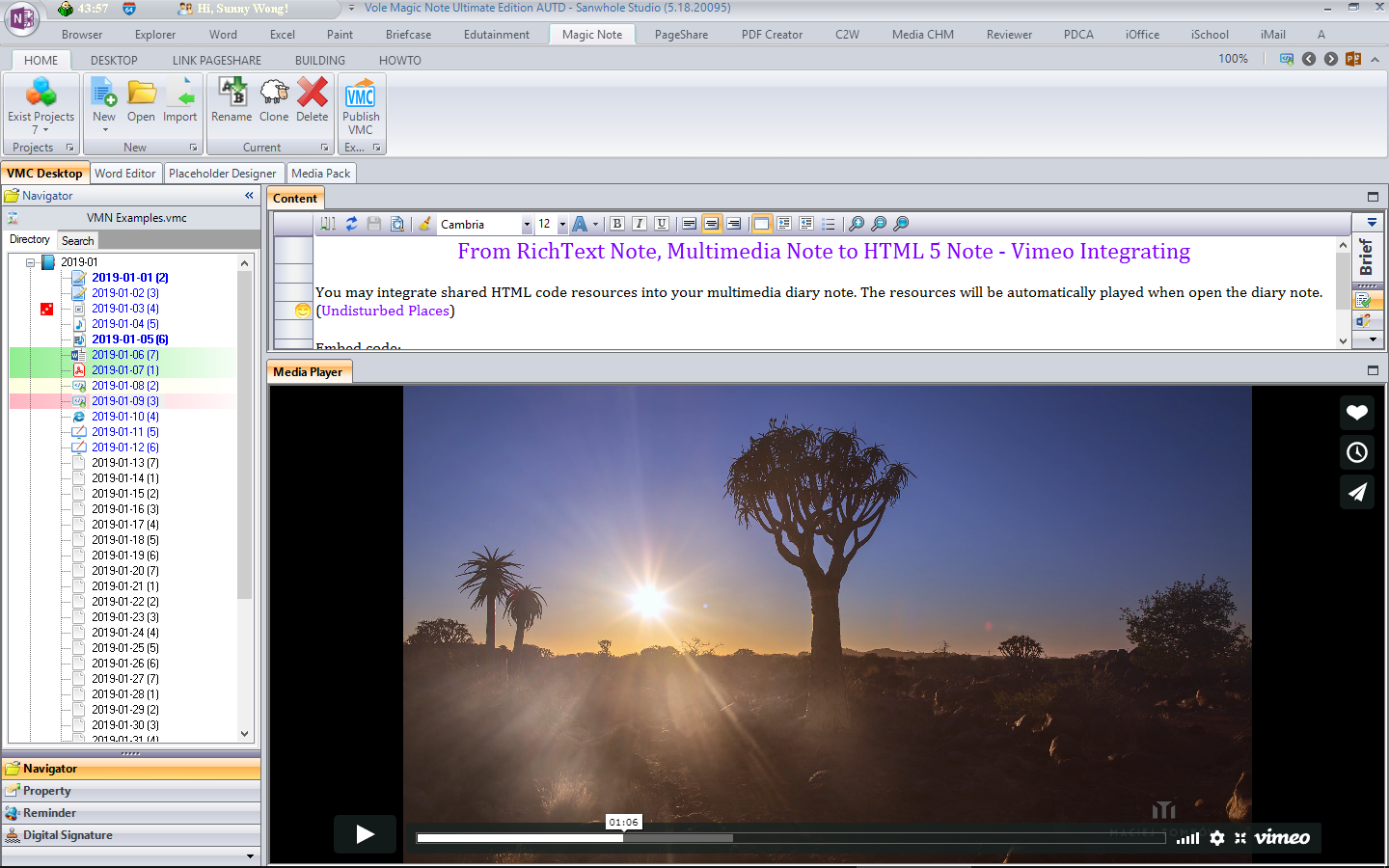
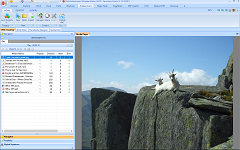
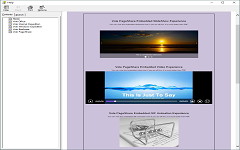
Note pages can embed files (pictures/audio/video/Office/PDF, etc.) and links (websites/Bilibili/YouTube, etc.), and the built-in previewer allows one-click viewing without the need for third-party software.

全格式附件支持:记事页可嵌入文件(图片/音视频/Office/PDF等)和链接(网站/B/YouTube等),内置预览器一键查看,无需第三方软件。


Intelligent Status Visualization 智能状态可视化

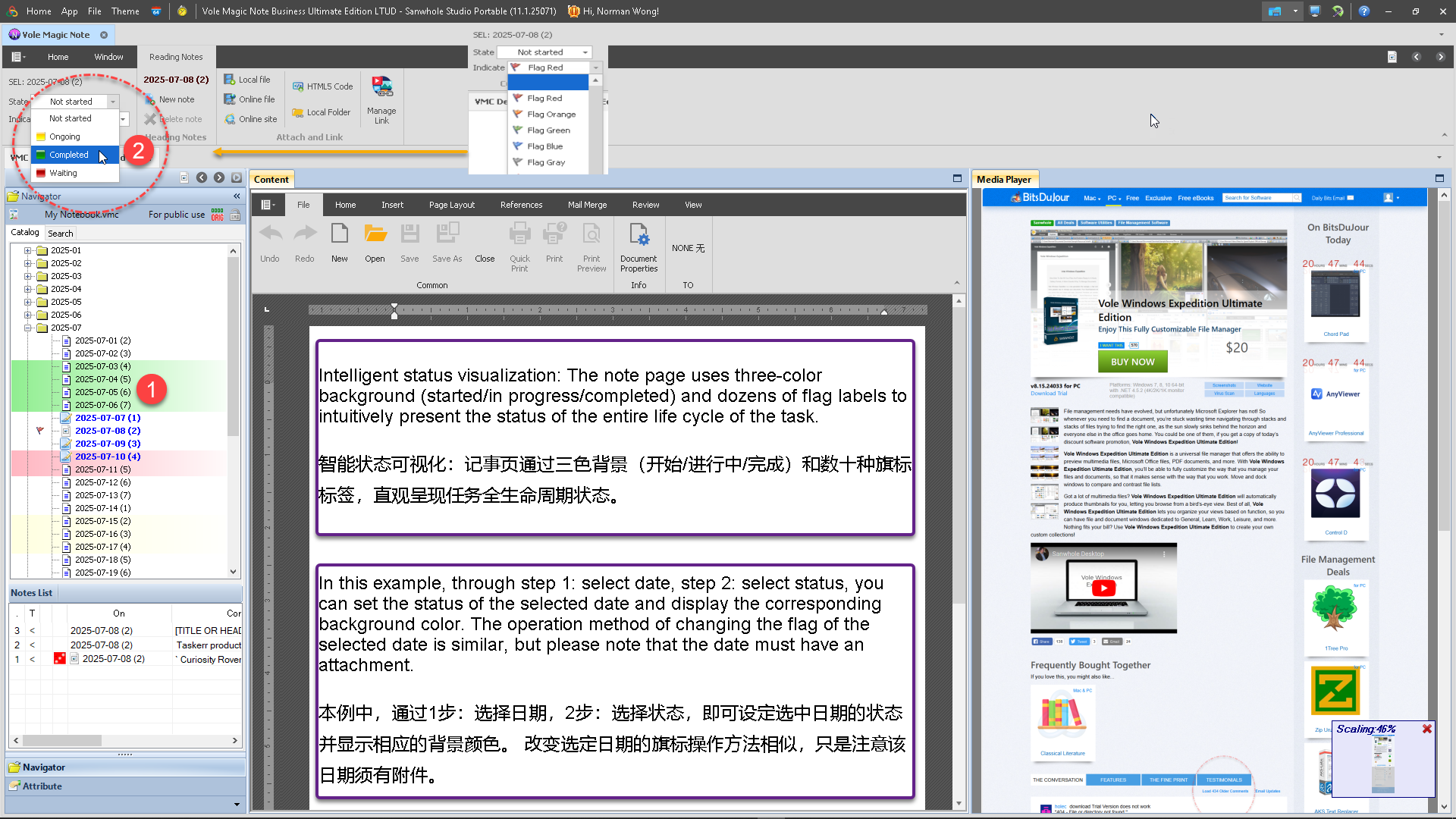
The note page uses three-color background (started/in progress/completed) and dozens of flag labels to intuitively present the status of the entire life cycle of the task.

记事页通过三色背景(开始/进行中/完成)和数十种旗标标签,直观呈现任务全生命周期状态。


Single File Storage单文件存储

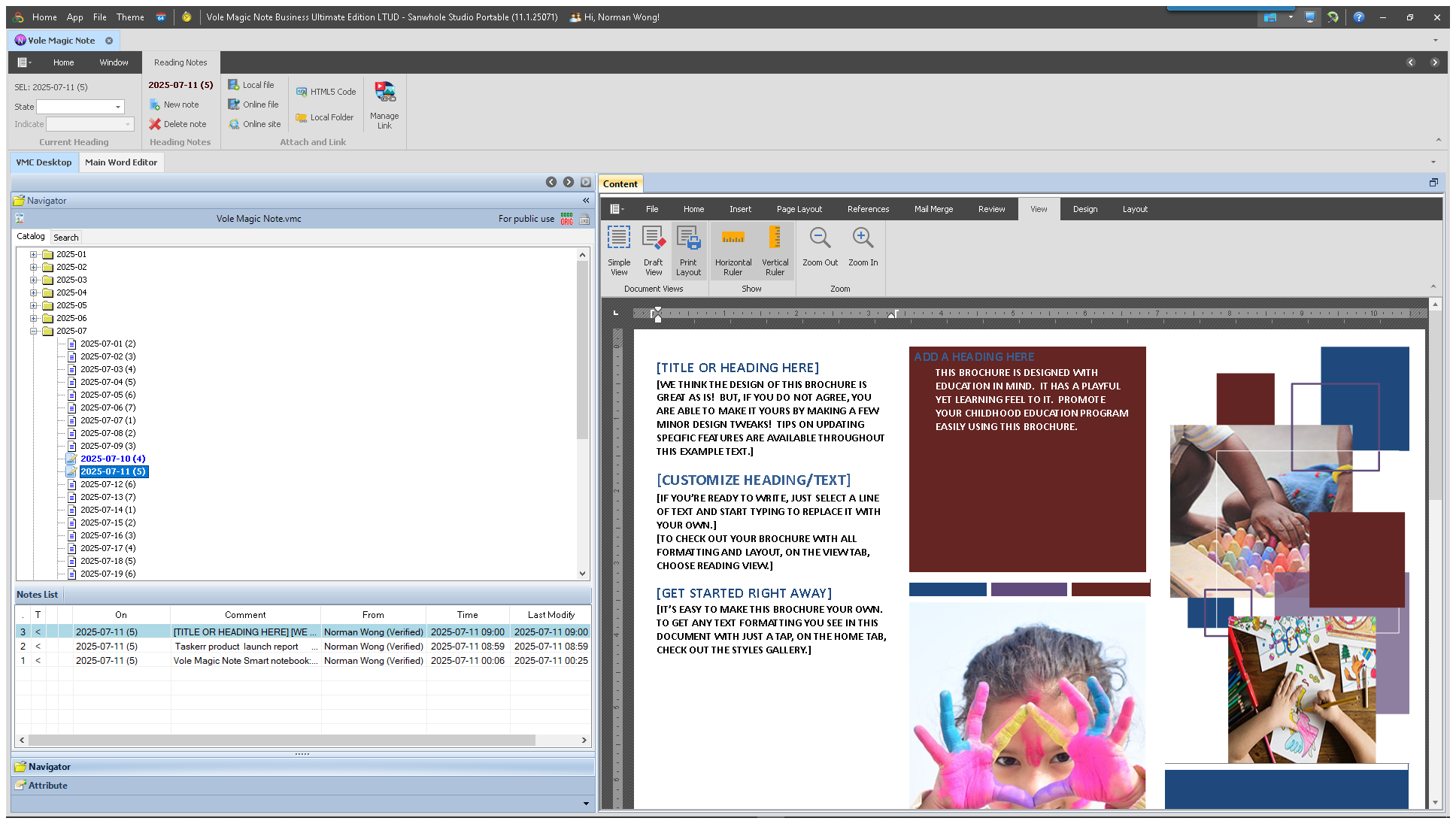
Each notebook is packaged in a single file in VMC format, which allows easy one-stop management of export, import and backup.

每个记事本采用VMC格式单文件封装,轻松实现导出、导入与备份的一站式管理。


Vole Magic Note Classic Experience

2025-07-11


2021-01-09


Serial number

10

Classification

Diary & Notepad

Module Name

Vole Magic Note

Benchmark products

Microsoft OneNote

Unique Features

Each note page is a fully functional Word file. A directory tree with year, month, and day is preset. Each note page can be attached with various audio, video, pictures, and files, as well as links to online resources. When editing and browsing note pages, attachments can be played or previewed in the built-in previewer.

Software Home Page

https://www.sanwhole.com/Products/VoleMagicNote

Typical application scenarios

1. Document-level function enhancements

  • Each note page is an independent Word file, which can achieve:
    • Full retention of Word native functions (catalog generation/style management/review annotations) • Single-page size breaks through the limitations of traditional note software (actually supports 300 pages + mixed text and graphics documents) • Embed Excel/Visio and other objects through OLE

2. Multimedia Knowledge Base Construction

  • ‌Core Function‌ : Supports direct pasting and storage of multimedia content such as web page text, images, audio and video, and integrates media player preview function.
  • ‌Typical use cases‌ :
    • Researchers integrate literature citations, web page screenshots, and video clips to form an interactive cross-media knowledge base.
    • Self-media operators collect graphic materials and video links, and track the evolution of creative inspiration through the timeline function.

3. Structured Note Management

  • ‌Core functions‌ : Provides tree directory management and tag retrieval system, supports localized storage and multi-format export (text/RTF/HTML).
  • ‌Typical use cases‌ :
    • Students divide class notes by subject, organize experimental data through the "table entry" function, and export standardized homework documents .
    • Developers use the "Writing Guide" module to maintain technical documentation and use the HTML export function to generate project description pages.

4. Creation and inspiration incubation

  • ‌Core Function‌ : Original " multimedia annotation " technology , supporting free drag and drop of material layout and storyboard view design.
  • ‌Typical use cases‌ :
    • Screenwriters use the storyboard function to integrate character settings, scene descriptions, and reference videos to build a visual script framework .
    • Designers use the "Feature Description" module to record inspiration sketches and material reference links to form a dynamic creative archive.

5. Lightweight office collaboration support

  • ‌Core functions‌ : Compatible with external document loading (ZIP/HTML), event reminders and shared notebook functions.
  • ‌Typical use cases‌ :
    • The business team manages customer feedback by categorizing them into “FAQs” and exports the organized FAQ documents for all staff to use;
    • Remote workgroups use local storage to share project logs, avoiding the privacy risks of cloud transmission.

‌Product Features Summary‌

characteristic

Technical Implementation

Applicable groups

Multimedia Fusion

Web Clipping + Media Player

Researcher/Creative Worker

Structured Storage

Tree directory classification node

Student/Technician

Authoring toolchain

Storyboard + Timeline View

Screenwriter/Designer

Collaborative adaptability

Local sharing + multi-format export

Business Team/Remote Workgroup


序号

10

分类

日记&记事本

模块名称

Vole Magic Note

对标产品

Microsoft OneNote

特有功能

每个记事页都是一个全功能的Word文件。预设年月日目录树。每页记事页都可以添加各种音视频,图片和文件附件,以及网络资源链接。编辑和浏览记事页时附件可以在内置的预览器中播放或预览。

软件主页

https://www.sanwhole.com/Products/VoleMagicNote

典型应用场景

一、文档级功能强化

  • 每个记事页作为独立Word文件,可实现:
    完整保留Word原生功能(目录生成/样式管理/审阅批注)
    单页体积突破传统笔记软件限制(实测支持300+图文混排文档)
    通过OLE嵌入Excel/Visio等对象

二、多媒体知识库构建

  • 核心功能:支持网页文本、图像、音视频等多媒体内容直接粘贴存储,并集成媒体播放器预览功能。
  • 典型用例
    • 研究者整合文献引用、网页截图及视频片段,形成可交互的跨媒体知识库。
    • 自媒体运营者采集图文素材与视频链接,通过时间轴功能追踪创作灵感演变过程。

三、结构化笔记管理

  • 核心功能:提供树形目录管理与标签检索系统,支持本地化存储及多格式导出(文本/RTF/HTML)。
  • 典型用例
    • 学生按学科划分课堂笔记,通过表格录入功能整理实验数据,导出标准化作业文档。
    • 开发者用写作指导模块维护技术文档,利用HTML导出功能生成项目说明页。

四、创作与灵感孵化

  • 核心功能:独创多媒体注释技术,支持自由拖拽素材布局与故事板视图设计。
  • 典型用例
    • 编剧使用分镜脚本功能整合角色设定、场景描述与参考视频,构建可视化剧本框架。
    • 设计师通过特征描写模块记录灵感草图与材质参考链接,形成动态创意档案。

五、轻量办公协作支持

  • 核心功能:兼容外部文档加载(ZIP/HTML)、事件提醒及共享笔记本功能。
  • 典型用例
    • 商务团队通过常见问题分类管理客户反馈,导出整理后的FAQ文档供全员使用;
    • 远程工作组利用本地存储共享项目日志,规避云端传输的隐私风险。

产品特性总结

特性

技术实现

适用群体

多媒体融合

网页剪藏+媒体播放器

研究者/创意工作者

结构化存储

树形目录分类节点

学生/技术人员

创作工具链

故事板+时间轴视图

编剧/设计师

协作适配性

本地共享+多格式导出

商务团队/远程工作组


VMC SERIES SOFTWARE PLANS

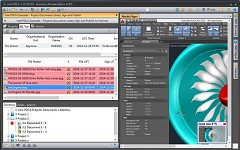
Include: Vole Briefcase, Vole Magic Note, Vole PageShare, Vole Edutainment, Vole Reviewer, Vole PDF Creator, Vole Media CHM and Vole PDCA.

Free

Professional

Ultimate

Read-only

All features in addition to save and preview web resrouces.

All features


prev
next


See also:


Built by Vole PageShare 11.2.25072, Sanwhole Presents. (www.sanwhole.com)

Create professional stunning websites via built-in Word editor and enjoy Microsoft Office user experience.